NVMe SSD Thermal Throttling vs. TBW Endurance Ratings in Mini PCs
NVMe SSD thermal throttling and TBW (Terabytes Written) endurance ratings are critical considerations for compact mini PCs, especially as they become more prevalent in consumer tech. These factors directly impact performance and longevity, influencing users who demand high-speed storage in limited spaces. Understanding these elements helps consumers make informed choices about their hardware investments.
Understanding NVMe SSD Thermal Throttling
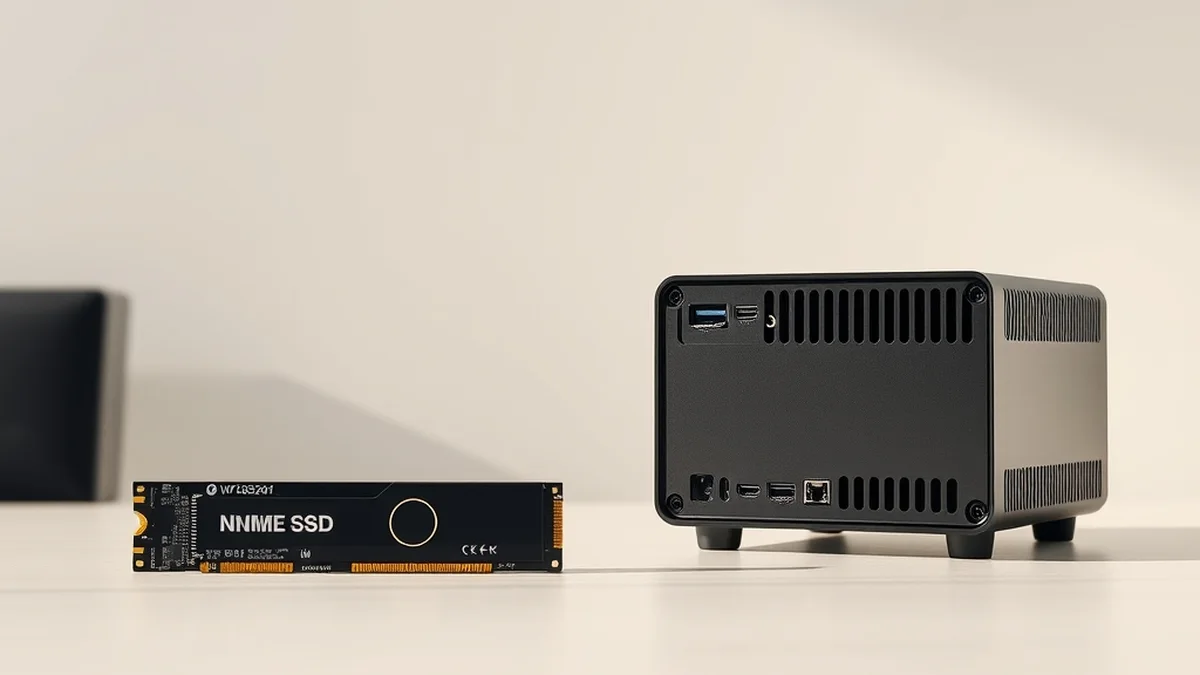
Thermal throttling occurs when an NVMe SSD reaches a temperature threshold that risks damage or instability, leading the drive to reduce its performance to cool down. This phenomenon is particularly relevant in compact mini PCs, where airflow is often limited. For instance, an NVMe SSD can operate optimally at temperatures below 70°C; exceeding this can lead to significant performance drops. In real-world scenarios, users may experience slower load times and reduced data transfer rates during intensive tasks like gaming or video editing.
Manufacturers often implement thermal throttling as a protective measure. However, the effectiveness of this feature can vary significantly across different SSD models. For example, while some high-end models utilize advanced heat spreaders or thermal pads to manage heat, budget options may lack these enhancements, leading to more pronounced throttling under load. Users should consider the thermal design of their mini PC and the SSD’s cooling solutions when selecting components, as these factors can greatly influence overall performance.
TBW Endurance Ratings Explained
TBW ratings indicate the total amount of data that can be written to an SSD over its lifespan. This metric is crucial for users who frequently write large amounts of data, such as content creators or gamers. For instance, an SSD with a TBW rating of 300 TB can handle writing 300 terabytes of data before its reliability may begin to decline. However, this number can vary widely among different SSD models, making it essential for consumers to choose wisely based on their usage patterns.
It’s important to note that TBW ratings are not the only measure of an SSD’s endurance. Factors such as the type of NAND flash used (e.g., TLC vs. MLC) and the SSD’s controller technology also play significant roles. For example, SSDs using MLC (Multi-Level Cell) technology generally have higher endurance than those using TLC (Triple-Level Cell) technology. Consumers should weigh these factors against their specific needs to ensure they select an SSD that balances performance and longevity effectively.
Real-World Latency and Privacy Trade-Offs
Latency in NVMe SSDs is a critical performance metric, particularly for applications that require quick data access. NVMe drives typically offer lower latency compared to traditional SATA SSDs, which is essential for tasks like gaming or running virtual machines. However, the compact design of mini PCs can introduce additional latency due to thermal constraints and limited I/O options. For example, an NVMe SSD may achieve read speeds of up to 7,000 MB/s, but if thermal throttling kicks in, those speeds can drop significantly, impacting user experience.
Moreover, privacy concerns arise when using cloud-based storage solutions in conjunction with NVMe SSDs. While cloud storage can provide scalability and ease of access, it often involves sending sensitive data over the internet, raising risks of data breaches or unauthorized access. In contrast, local storage on an NVMe SSD allows users to maintain control over their data. For those prioritizing privacy, opting for a high-end NVMe SSD in a mini PC can be a more secure choice, especially when paired with robust local security measures.
Hardware vs. Cloud Economics in Mini PCs
When evaluating the economics of hardware versus cloud solutions, compact mini PCs with NVMe SSDs present a compelling case for local storage. The initial investment in high-performance SSDs can be offset by the long-term savings associated with reduced reliance on cloud services. For instance, while cloud storage may seem cost-effective at first glance, ongoing subscription fees can accumulate over time, leading to higher overall costs compared to a one-time purchase of an SSD.
Additionally, local storage provides immediate access to data without the latency associated with cloud retrieval. This is particularly beneficial for users who require fast access to large files, such as video editors or software developers. A mini PC equipped with a high-capacity NVMe SSD can handle demanding workloads efficiently, making it a cost-effective solution in the long run. Moreover, as the demand for data privacy increases, investing in local storage solutions becomes even more economically viable.
Related Sterling Lab Briefings: Explore deeper benchmarks in Matter 1.3 Smart Home Thread Border Routers: No Vendor Cloud Lock-In and Top 5 UPS Pure Sine Wave Battery Backups for Fiber ONT Routers.
Deployment Checklist for Compact Mini PCs
When setting up a compact mini PC with an NVMe SSD, several factors should be considered to optimize performance and longevity. First, ensure that the mini PC’s cooling system is adequate to prevent thermal throttling. This may involve selecting models with built-in heat sinks or additional cooling solutions. Next, verify the TBW rating of the SSD to ensure it aligns with your usage patterns, particularly if you plan to use the device for data-intensive tasks.
Additionally, consider the following checklist before deployment:
- Assess the thermal design of the mini PC.
- Choose an SSD with a suitable TBW rating based on expected usage.
- Implement local security measures to protect data.
- Evaluate the need for additional cooling solutions.
- Plan for future storage needs to avoid early upgrades.
| SSD Model | TBW Rating | Read Speed (MB/s) | Write Speed (MB/s) | Cooling Solution |
|---|---|---|---|---|
| Model A | 300 TB | 7000 | 5000 | Integrated Heat Sink |
| Model B | 600 TB | 5000 | 4500 | Active Cooling |
| Model C | 150 TB | 3500 | 3000 | No Cooling |
By following this checklist and understanding the implications of thermal throttling and TBW ratings, consumers can make informed decisions that enhance their computing experience. The right combination of hardware and strategy can lead to a more efficient, reliable, and secure mini PC setup.
Prioritizing local control, open security standards, and repairable hardware keeps consumer tech working for you.