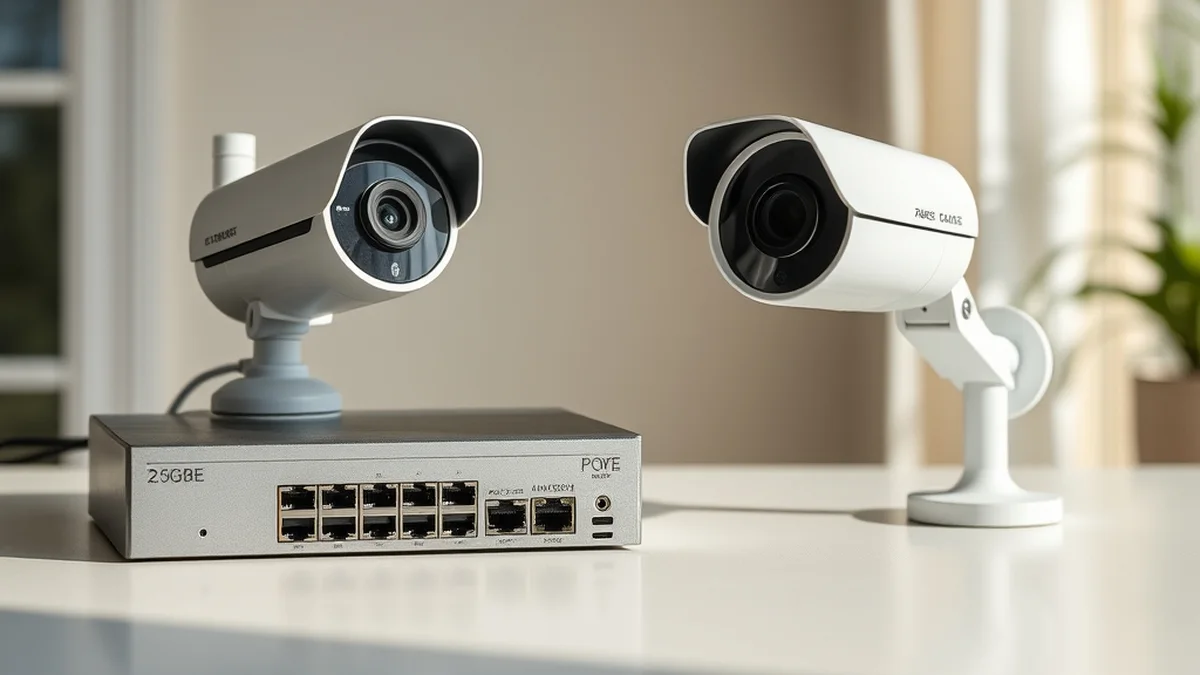
2.5GbE Managed Home Switches vs PoE Security Camera NVR Storage
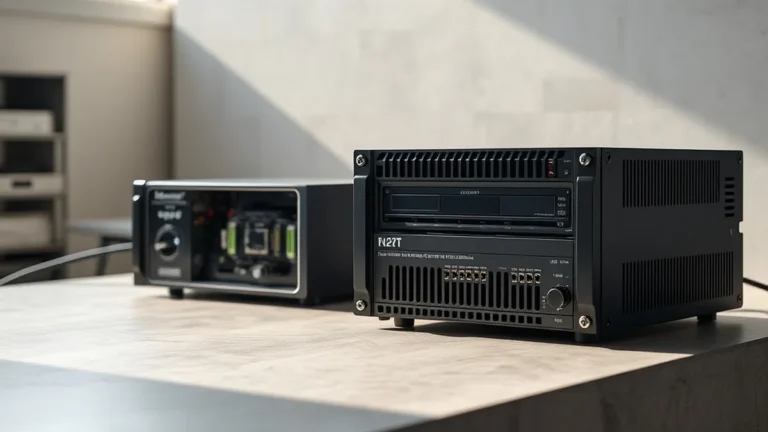
2.5GbE managed home switches paired with PoE security cameras and local NVR storage address the growing need for high-speed, reliable home networking and surveillance. This technology enhances data transfer rates, reduces latency, and offers a more secure, private alternative to cloud storage, primarily benefiting tech-savvy homeowners and small businesses focused on security and efficiency.
Understanding 2.5GbE Architecture and Its Advantages
2.5GbE (2.5 Gigabit Ethernet) is an evolution of traditional Ethernet standards, designed to bridge the gap between 1GbE and 10GbE networks. It operates over existing Cat 5e cabling, making it an accessible upgrade for many home networks. The primary advantage of 2.5GbE is its ability to handle higher data throughput without requiring extensive rewiring, which is particularly beneficial for bandwidth-intensive applications like video streaming and gaming.
In a typical home setup, a 2.5GbE managed switch can significantly enhance the performance of connected devices, especially when multiple high-definition PoE (Power over Ethernet) security cameras are in use. For instance, a home with four 4K cameras streaming simultaneously would require substantial bandwidth, which 2.5GbE can provide without the bottlenecks often experienced with standard 1GbE connections. This capability allows for smoother video feeds and quicker response times for security systems.
Real-World Latency and Privacy Trade-Offs
While 2.5GbE technology offers substantial speed advantages, it’s essential to consider the latency and privacy implications associated with its deployment. Latency, the delay before data transfer begins, can be influenced by various factors, including network congestion and the quality of the hardware used. In a home environment, a well-configured 2.5GbE switch can minimize latency, ensuring that security cameras relay information in real-time, which is crucial for effective surveillance.
On the privacy front, utilizing local NVR (Network Video Recorder) storage for security footage presents a significant advantage over cloud-based solutions. By storing data locally, homeowners can maintain greater control over their surveillance footage, reducing the risk of unauthorized access or data breaches that can occur with cloud storage. This local approach not only enhances privacy but also mitigates the risks associated with potential outages or service interruptions from cloud providers.
Hardware vs. Cloud Economics: A Cost Analysis
When evaluating the economics of hardware versus cloud solutions for home surveillance, several factors come into play. Initial costs for 2.5GbE managed switches and PoE cameras may be higher than opting for cloud-based systems, which often have lower upfront costs but can incur ongoing subscription fees. Over time, these recurring costs can accumulate, making local hardware a more economical choice for long-term users.
For example, a typical cloud storage plan for security footage might charge $10 per camera per month. For a setup with four cameras, this could amount to $480 annually. In contrast, investing in a local NVR system with a one-time cost of around $500 can provide years of storage without additional fees. Furthermore, local storage allows for greater scalability, as adding more cameras does not necessarily lead to increased monthly costs, unlike cloud services.
| Feature | Cloud Storage | Local NVR Storage |
|---|---|---|
| Initial Cost | Low | Higher |
| Ongoing Costs | Recurring fees | None |
| Data Control | Limited | Full control |
| Scalability | Cost increases with more cameras | One-time investment |
Deployment Checklist for a Robust Home Surveillance System
Setting up a 2.5GbE managed switch and PoE security camera system requires careful planning and execution. Here’s a checklist to ensure a successful deployment:
- Assess Network Needs: Determine the number of cameras and devices that will be connected to the network.
- Choose the Right Equipment: Select a 2.5GbE managed switch that supports PoE and has enough ports for your needs.
- Plan Cabling: Ensure that existing cabling is sufficient (Cat 5e or better) for 2.5GbE speeds.
- Install NVR: Set up a local NVR with adequate storage capacity for your surveillance needs.
- Configure Security Settings: Implement strong passwords and network security protocols to protect against unauthorized access.
By following this checklist, homeowners can create a reliable and efficient surveillance system that maximizes the benefits of 2.5GbE technology while ensuring data privacy and security.
Related Sterling Lab Briefings: Explore deeper benchmarks in E-Ink Digital Paper Tablets vs Matte LCD Monitors: Which Reduces Eye Fatigue? and YubiKey Hardware Security Keys vs Biometric Passkeys for Retirement Portals.
Future-Proofing Your Home Network with Emerging Standards
As technology continues to evolve, future-proofing your home network is essential. Emerging standards, such as the Matter protocol for smart home devices, promise to enhance interoperability and reduce vendor lock-in. Integrating these standards with a robust 2.5GbE infrastructure can provide a seamless experience across various devices, from security cameras to smart home appliances.
Moreover, as the demand for higher bandwidth continues to grow, investing in 2.5GbE technology today can position homeowners to easily upgrade to even faster standards in the future. For instance, transitioning to 10GbE will be more straightforward with existing cabling and infrastructure already in place. This foresight not only enhances current performance but also safeguards against obsolescence as new technologies emerge.
Prioritizing local control, open security standards, and repairable hardware keeps consumer tech working for you.