
Run a Local LLM: Your Guide to Private and Uncensored AI Solutions
Running a local Large Language Model (LLM) offers a robust solution for maintaining privacy and circumventing censorship. By deploying LLMs on dedicated hardware, users gain total control over data processing, minimizing exposure to third-party vulnerabilities while balancing performance and operational costs. This editorial dissects the security implications, architectural choices, and deployment strategies necessary for effective local LLM operation.
Understanding Threat Models and Failure Modes
When deploying a local LLM, it is crucial to establish a comprehensive threat model that identifies potential attack vectors. The primary threats include unauthorized access, data exfiltration, and hardware tampering. For instance, if an attacker gains physical access to the hardware, they can exploit vulnerabilities in the firmware or software stack. This scenario underscores the necessity of implementing strict physical security measures, such as surveillance and access controls, to mitigate risks.
Failure modes also play a significant role in assessing the reliability of a local LLM deployment. Hardware failures, such as overheating or power supply issues, can lead to service interruptions. For example, a GPU running at full load can reach temperatures exceeding 85°C, necessitating effective thermal management strategies. Additionally, software bugs or misconfigurations can result in unexpected behavior or crashes, emphasizing the need for robust testing and validation protocols before deployment.
Local Hardware vs. Vendor Cloud Architecture
Choosing between local hardware and vendor cloud solutions involves a trade-off between control and convenience. Local deployments provide unparalleled data sovereignty, allowing users to manage sensitive information without relying on third-party services. For example, a local setup using an NVIDIA RTX 3080 can handle LLM inference with a latency of approximately 50 milliseconds, compared to cloud solutions that may introduce latency of 100 milliseconds or more due to network overhead.
However, cloud architectures offer scalability and ease of maintenance that can be appealing for certain applications. A cloud provider can dynamically allocate resources based on demand, while local hardware requires upfront investment and ongoing maintenance. For instance, a local LLM setup may require a capital expenditure of $2,500 for hardware, while a cloud subscription could range from $100 to $500 per month depending on usage. Ultimately, the choice hinges on the specific use case and the user’s risk tolerance regarding data privacy.
Specifications, Latency, and Protocol Audit
| Component | Local Hardware | Cloud Provider | Latency (ms) |
|---|---|---|---|
| NVIDIA RTX 3080 | Yes | No | 50 |
| TPU v4 | No | Yes | 100 |
| RAM (32GB) | Yes | Yes | Variable |
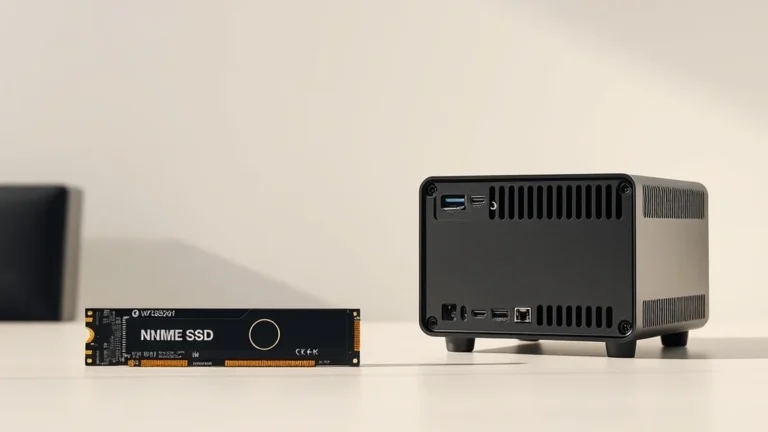
| Storage (1TB SSD) | Yes | Yes | Variable |
The specifications of the hardware directly impact the performance of LLMs. For instance, a local setup with an NVIDIA RTX 3080 can perform inference tasks significantly faster than a cloud-based TPU v4 due to lower latency. Additionally, the choice of storage and RAM affects data retrieval speeds and overall responsiveness. A thorough audit of protocols used in data transfer and processing is essential to ensure that no unencrypted data is exposed during operation.
Identifying Operational Bottlenecks
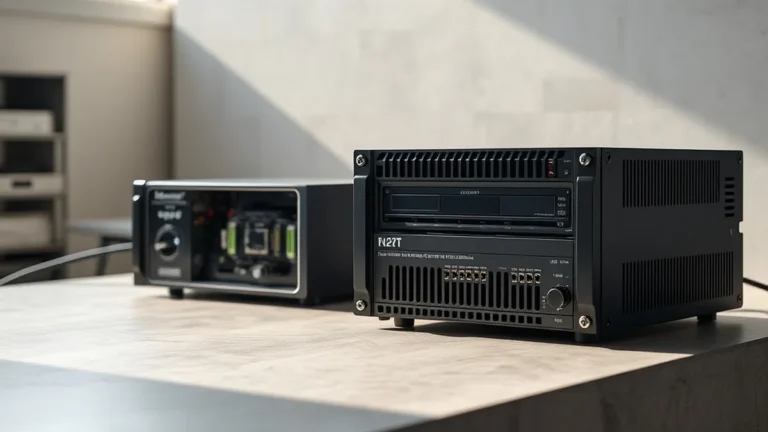
Operational bottlenecks can severely impact the performance of a local LLM deployment. One of the most significant factors is thermal management. High-performance GPUs generate substantial heat, which can lead to thermal throttling if not adequately managed. For example, a GPU running at full capacity can consume up to 320 watts, necessitating efficient cooling solutions to maintain optimal performance and prevent hardware damage.
Power over Ethernet (PoE) budgets also play a crucial role in local deployments. If multiple devices are powered through a single PoE switch, it is essential to ensure that the total power draw does not exceed the switch’s capacity, which typically ranges from 15.4 watts to 30 watts per port. Additionally, key backup strategies must be implemented to protect against data loss. Regular backups to a secure, offsite location can mitigate the risk of catastrophic failures, ensuring data integrity and availability.
Related Sterling Lab Briefings: Explore deeper benchmarks in NVMe SSD Thermal Throttling vs. TBW Endurance Ratings in Mini PCs and 2.5GbE Managed Home Switches vs PoE Security Camera NVR Storage.
Establishing a Deployment Hardening Sequence
To ensure a secure local LLM deployment, a systematic hardening sequence should be followed. First, conduct a thorough hardware audit to verify the integrity of all components. This includes checking for any signs of tampering or defects that could compromise security. Next, implement strict access controls, such as biometric authentication or YubiKey Hardware Security Keys vs Biometric Passkeys for Retirement Portals, to limit physical access to authorized personnel only.
Following access controls, configure the software environment to minimize attack surfaces. Disable unnecessary services and ports, and apply the principle of least privilege to user accounts. Regularly update software and firmware to patch known vulnerabilities. Finally, establish a monitoring system to detect and respond to anomalies in real-time, ensuring that any potential threats are addressed promptly. By following this ordered sequence, users can significantly enhance the security posture of their local LLM deployments.
Verifying hardware encryption locally eliminates single-vendor cloud exposure across home and work workflows.